
Managed Red Tenant: Isolated Admin Environment to Protect Against Ransomware and Lateral Movement
ARchitecture
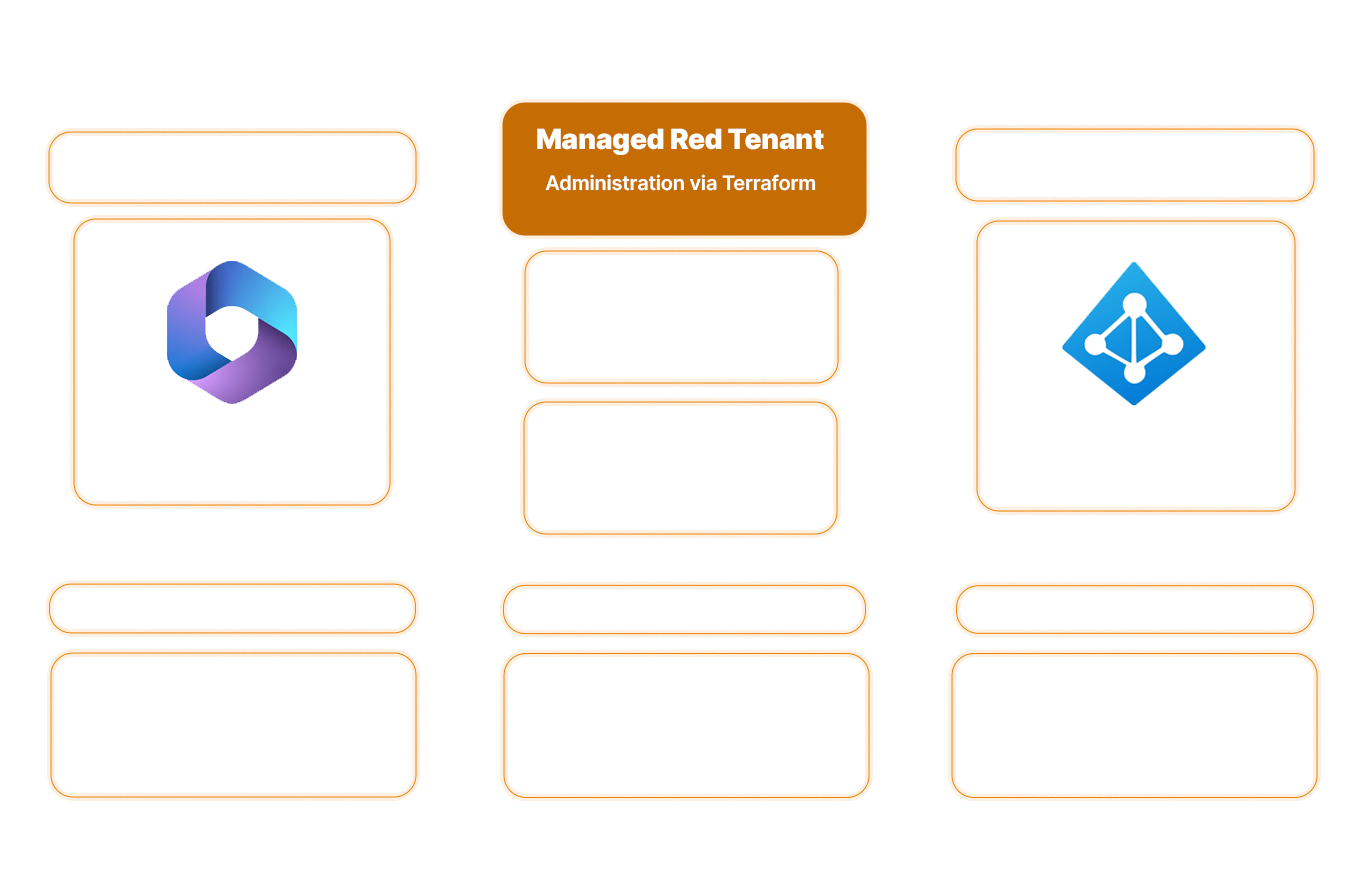
How the Red Tenant physically stops attacks (not just makes them more difficult)
A compromised admin account gives attackers access to your entire tenant. Red Tenant blocks this access: Administrative identities operate in an isolated environment, making lateral movement technically impossible.
Immutably documented - Red Tenant as Code
Hardening, policies, and configurations are managed as code. Changes are traceable, versioned, and auditable at all times.
Centralized Control of Permissions - Privileged Identity & Access Management
Standardized provisioning via Entra Identity Governance. Access is granted on a time-limited basis, subject to approval, or through defined self-service processes.
Global Secure Access
Identity-based protection. Public internet access is restricted, while privileged interfaces are selectively enabled (conditional access and near-real-time blocking).
Anomalies detected immediately - Security Operations integration
Every administrative access request is checked for context in real time (Who? When? Where?). Deviations from normal behavior are escalated immediately, not hours or days later. Your team responds to relevant alerts, not to log noise.
The result
Control instead of uncertainty
Ransomware stops short of the crown jewels
Even if your production system is completely compromised: Lateral movement is technically blocked before it reaches the Red Tenant. Your global administrators remain invisible and out of reach to attackers.
Full control over all privileged access
You stay in control: Who can access what and when is defined centrally and cannot be changed. No shadow admins, no unnoticed permission expansions, and no surprises during the next audit.
Complete separation
Complete isolation of administrative access from user operations. Can also be used in complex multi-tenant and hybrid environments.
Zero-Trust Architecture
Consistent implementation of zero-trust access models using native Microsoft security and identity features.
Human errors prevented by technical measures
Web browsing, email, and USB drives are prohibited on admin workstations. The system architecture enforces a “clean keyboard” policy rather than relying on users to exercise self-discipline.
Security with no expiration date
Not a one-time tool package or hardening project, but a permanently maintained security infrastructure that includes continuous monitoring and protection.
Companies that trust us:





Red Tenant Guide
What to Look for When Choosing a Red Tenant Provider

Whitepaper
STRUCTURAL ISOLATION RATHER THAN IDENTITY SECURITY ALONE.
Why PIM and MFA only partially secure privileged access, and the four vulnerabilities that still leave admin architectures open to attack. For CISOs and IT architects in organizations subject to regulatory requirements.
Frequently Asked Questions
FAQ
What is a Red Tenant, and what is it used for?
A Red Tenant is a physically separate Microsoft 365 environment used exclusively for administrative tasks. It protects privileged identities by keeping them completely isolated from the production system; even if the main tenant is completely compromised, the admin accounts remain out of reach for attackers.
What is the difference between PAW and VAW?
PAWs (Privileged Admin Workstations) are designed for control plane access (e.g., global admins, domain admins) with maximum security. VAWs (Virtual Access Workstations) are used by workload administrators (e.g., Azure administrators) and are provided as secure virtual desktops in the Red Tenant—less complex, yet still isolated from the production network.
How do I protect Microsoft admin accounts from ransomware?
The most effective protection is structural separation: admin accounts must not be used on the same device as user accounts. A red tenant with a zero-trust architecture technically prevents lateral movement, so ransomware cannot spread to privileged accounts.
What are the NIS2 requirements for privileged access?
NIS2 requires “appropriate measures to secure privileged access” (Art. 21). This means: multi-factor authentication, time-limited access rights (just-in-time), logging of all activities, and network segmentation. A Managed Red Tenant fulfills these requirements technically through PAWs, PIM (Privileged Identity Management), and audit-proof documentation.

HOW VULNERABLE ARE YOUR ADMIN ACCOUNTS?
Most organizations don’t realize how quickly an admin account compromise can lead to a total disaster. We’ll show you where structural segregation is currently lacking and how it can be implemented in practice.